AI Clothing Photography: Scale On-Model Apparel Photos
Discover how apparel sellers use AI clothing photography to turn flat-lays into studio on-model catalogs, batch swap 10 garments, and export 2000px.
Key Takeaways
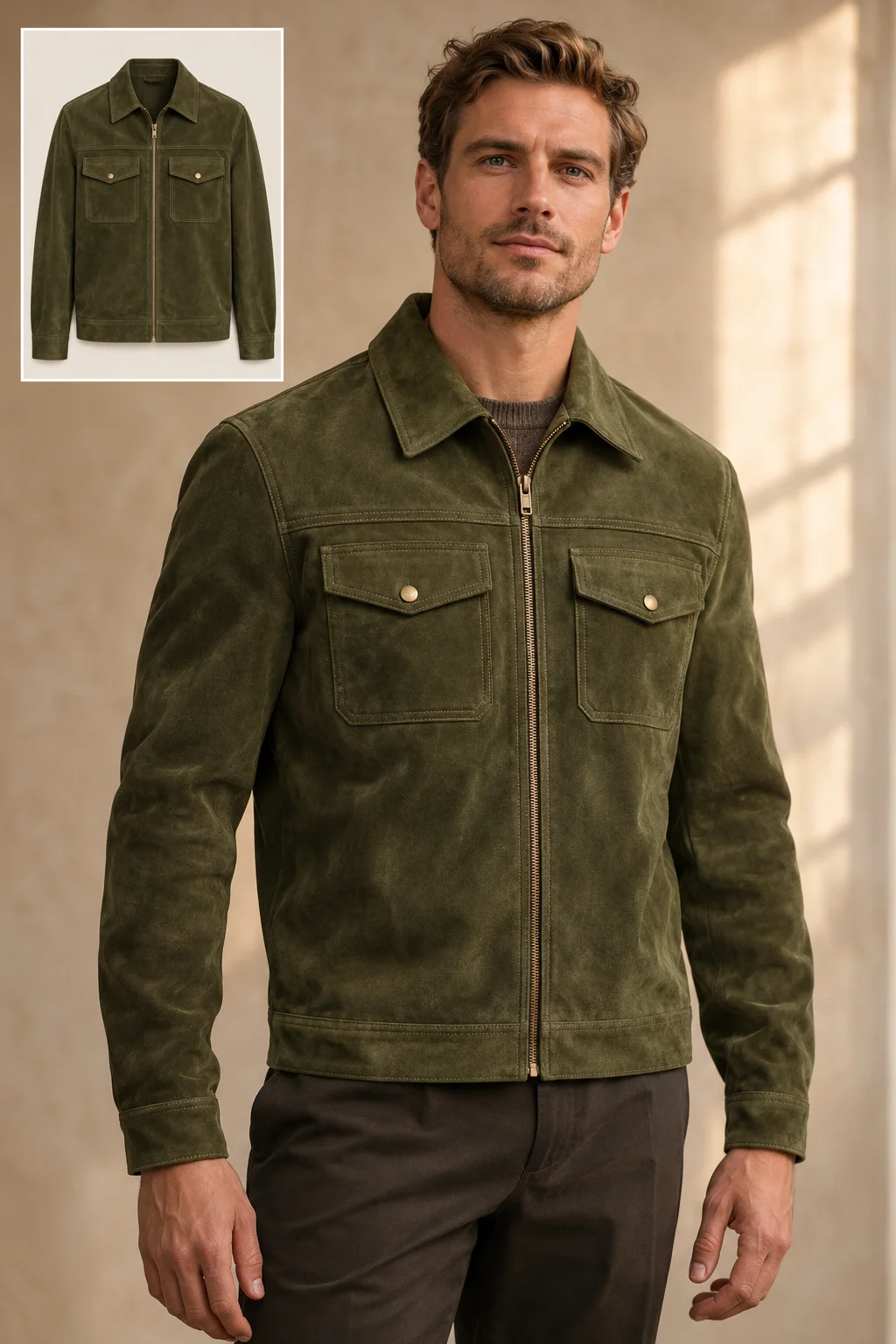
- AI clothing photography replaces repetitive model reshoots with fast, consistent on-model generation from a single flat-lay or hanger photo.
- Pairing 1 base model with up to 10 garments in batch mode keeps collection grids uniform across Shopify, Etsy, Amazon, and TikTok ads.
- Every clean 2000px export from AI Clothes Changer stays sharp for marketplace zoom and commercial campaigns.
Fashion merchandising moves faster than traditional photography calendars. By the time an agency books talent, rents a studio, and returns retouched proofs, seasonal trends have already shifted. That is why ai clothing photography has become a staple workflow for independent labels, dropshippers, and boutique studios.
Instead of rescheduling shoots for every restock or colorway, you can upload your garment shots into AI Clothes Changer and produce natural, studio-consistent on-model visuals on demand.
1. What Makes AI Clothing Photography Look Truly Natural?
Shoppers spot stiff cut-and-paste edits immediately. Believable AI apparel imagery depends on three details working together:
- Natural garment drape & tension: Sleeves, waistlines, and hems must curve smoothly around shoulders and hips instead of floating stiffly on top of the body.
- Matched ambient lighting: Shadows under the collar, arm folds, and hemline should match the light direction on the model's skin and hair.
- Unaltered identity & backdrop: Your chosen model's face, pose, hands, and studio background should remain consistent across every SKU.
For broader context on studio specs and marketplace zoom sizing, see our complete ecommerce product photography guide.
2. Preparing Garment Inputs for Maximum Fidelity
AI output quality starts with clean input photos. Before running a batch, follow these four prep checks:
- Shoot or crop cleanly: Remove hangers, price tags, and overlapping text overlays so the model sees only the garment silhouette (see our flat lay clothing photography guide for clean overhead prep).
- Match garment area to item type: Set
Upper Bodyfor shirts and jackets,Lower Bodyfor trousers and skirts,Dress / Fullfor one-pieces, orShoesfor footwear—or leaveAutoenabled for quick runs. - Keep collars and hemlines uncropped: Make sure the full neckline, cuffs, and bottom hem sit comfortably inside the frame.
- Use bright, neutral light: Even window light works great—if you are shooting stock with a smartphone, follow our guide on how to take product photos with phone.
Turn 1 Model Photo into 10 Lookbook Shots at Once
Ready to test your own collection? Open AI Clothes Changer, switch to Batch Mode, upload 1 model photo and up to 10 garments, and export every watermark-free 2000px HD PNG in a single ZIP archive.
3. High-ROI Use Cases for Apparel Teams
- Multi-colorway expansion: Shoot one master garment on a model or flat-lay, then swap every seasonal color variant onto the exact same pose in minutes.
- Ad creative testing: Spin up fresh outfit combinations for Meta, TikTok, and Pinterest ads without booking additional studio days.
- Pre-order validation: Publish realistic on-model mockups for capsule collections to gauge demand before committing to full factory runs.
With AI Clothes Changer, you can test a free preview without even signing in—then sign in to claim 1 clean 2000px HD download or view one-time credit packs on Pricing to batch-export an entire drop.
Frequently Asked Questions
Does AI clothing photography preserve the original fabric pattern and garment cut?
Yes, when you start with a crisp, well-lit garment image and select the right garment area (upper body, lower body, full dress, or shoes), modern virtual try-on preserves necklines, sleeve shapes, prints, and natural fabric folds while matching lighting to the model.
Can I use AI-generated clothing photos commercially on Shopify, Amazon, and ads?
Yes. Clean 2000px HD PNG exports generated on AI Clothes Changer come without watermarks and are cleared for commercial store listings, social media, and paid ads, provided you hold permission to use the model and garment photos.
How do I keep a whole collection visually consistent with AI clothing photography?
Use the same base model photo and neutral background across all SKUs, then run batch outfit swap (1 model × up to 10 garments) so every product card shares identical framing, skin tone, and lighting.
AI CLOTHES CHANGER STUDIO
Turn Product Photos Into 2000px On-Model Shots
Generate your first virtual try-on preview free without signing in, or batch swap up to 10 garments onto one model and export watermark-free 2000px PNGs.
More Photography & Try-On Guides
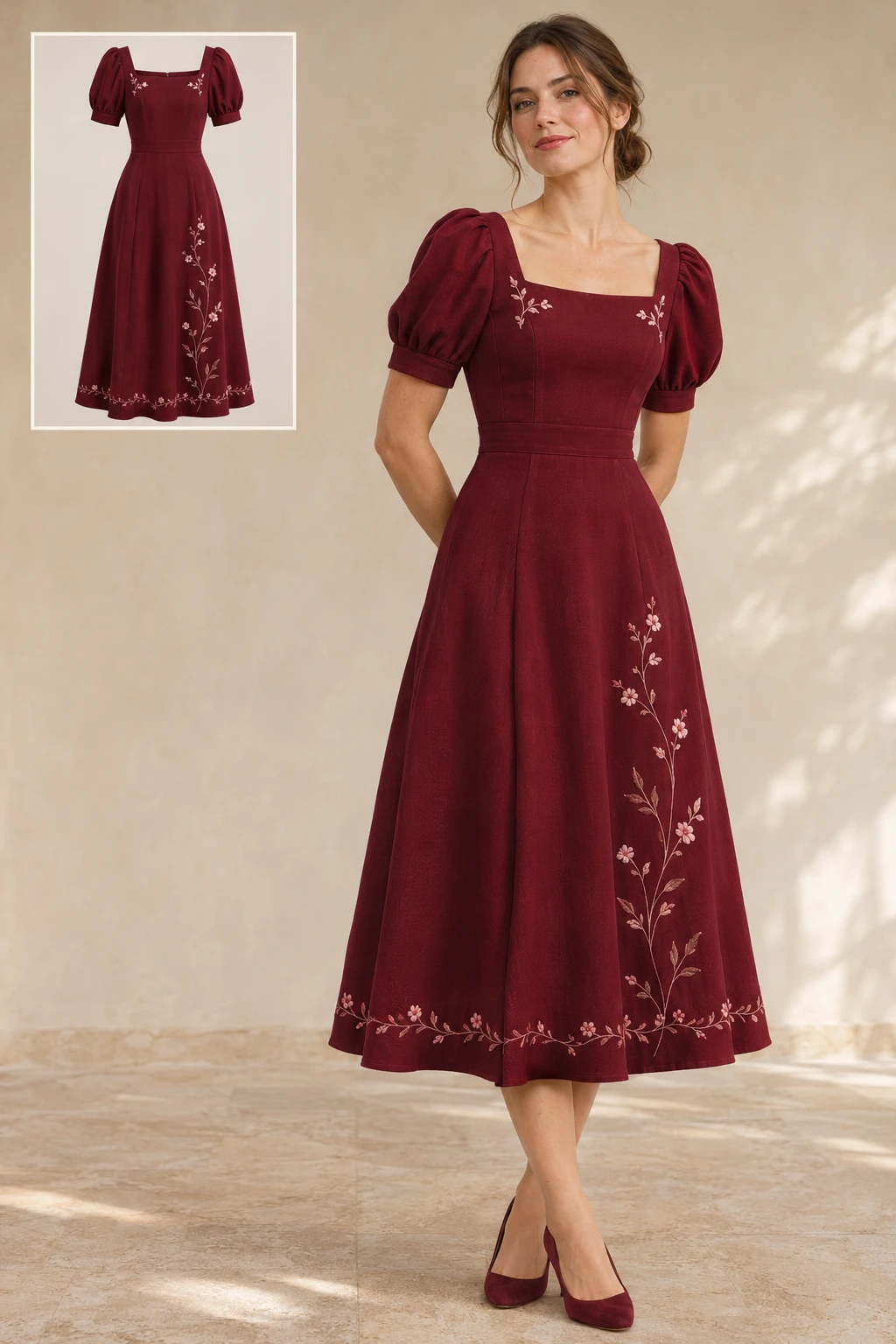
Ecommerce Product Photography: Apparel & Try-On Guide
Plan, shoot, and scale ecommerce product photography for apparel stores—lighting, 2000px marketplace specs, flat-lay tips, and AI try-on workflows.
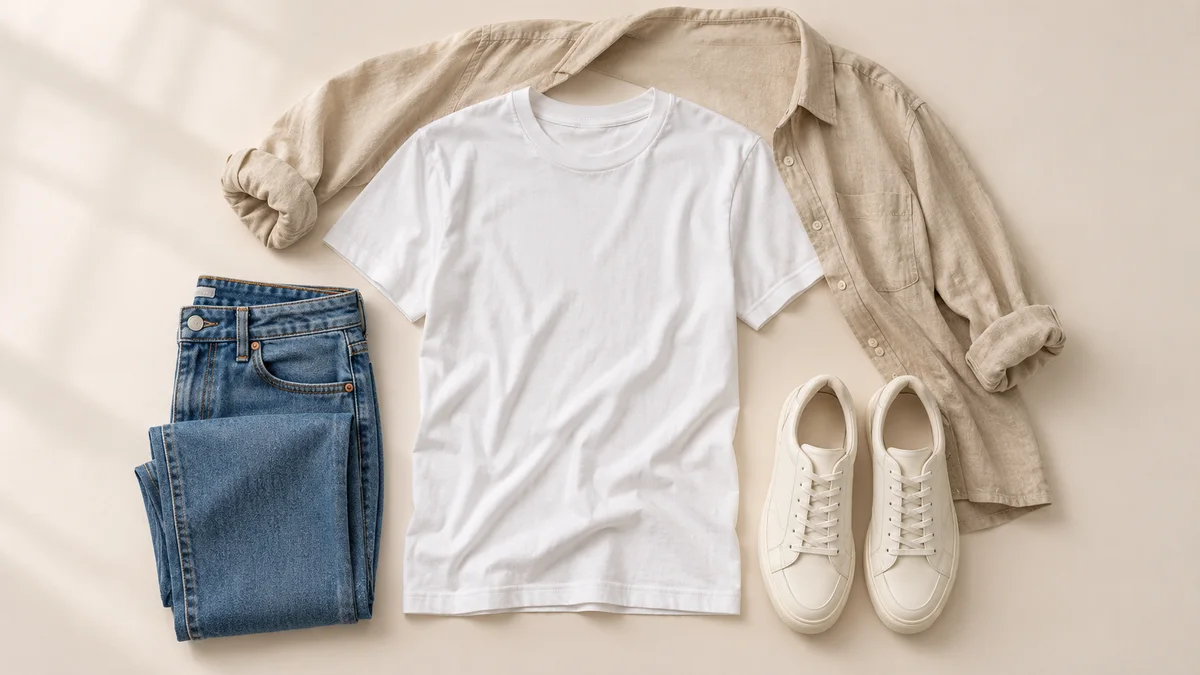
Flat Lay Clothing Photography: Lighting & Styling Guide
Master flat lay clothing photography for Shopify, Depop, and Amazon: surfaces, 90-degree lighting, styling folds, and 2000px on-model AI try-on.
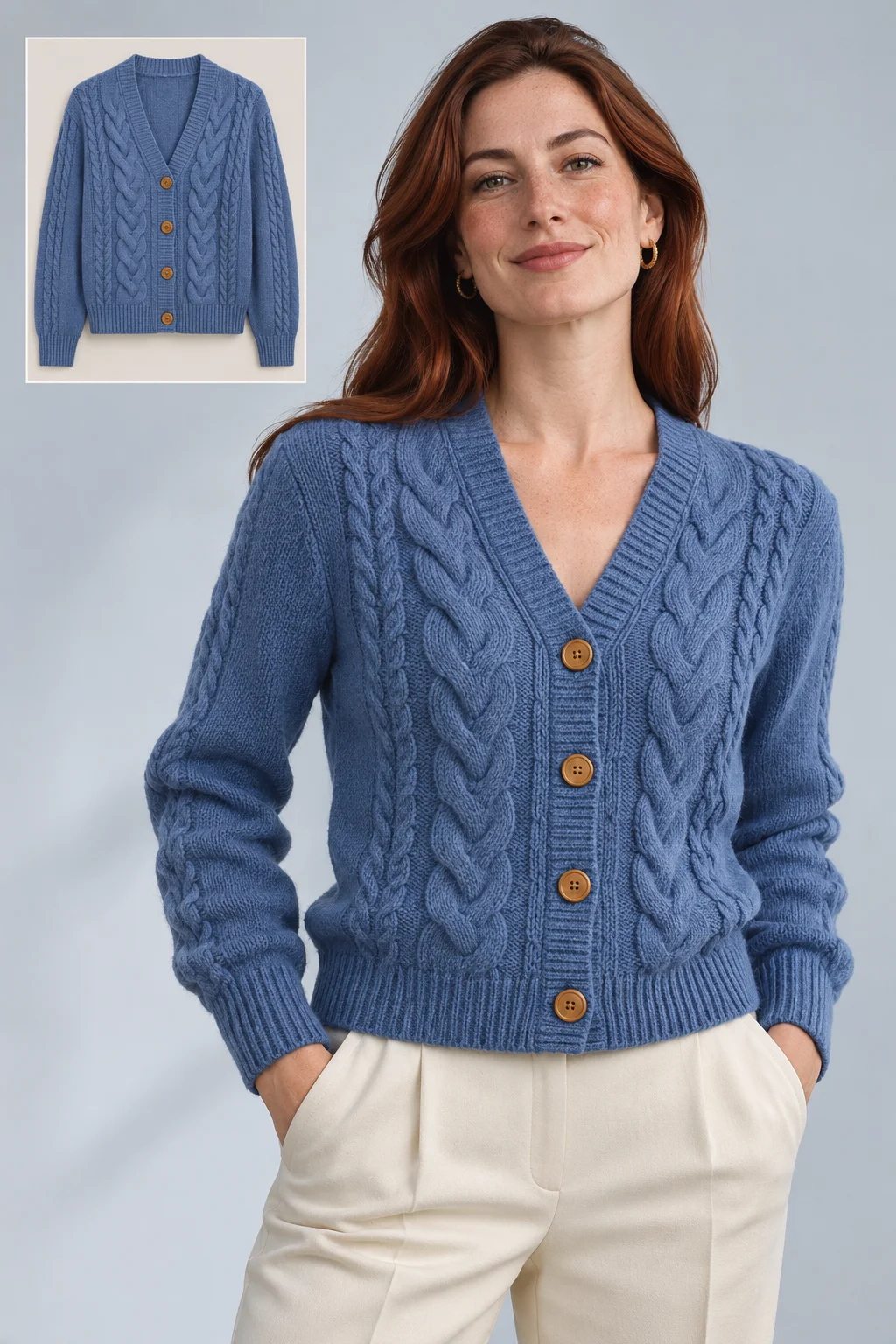
How to Take Product Photos With Phone: Apparel Guide
Learn how to take product photos with phone cameras—window light, exposure lock, clean flat-lays, and turning phone shots into 2000px model photos.